
Field & operations
Field Track-O
Know what happened between the plan and the visit.
Assign field tasks, capture the work completed and review activity alongside location and movement. Field Track-O brings daily commitments, customer interactions and management follow-up into one operating picture.
Plan your product walkthroughA map can show where a person travelled. It cannot, by itself, explain the purpose of a visit, the information collected or the next commitment. Field Track-O connects those operational details with the movement record.
What better could look like
Make commitments visible
Give activity and follow-up a clear owner and due date.
Read the visit in context
Keep the outcome beside the relevant location and evidence.
Improve the operating review
Examine daily activity, completion and outstanding work together.
The people using the product
Field employee
Completes assigned activities and records outcomes.
Territory or location supervisor
Reviews tasks, routes and commitments.
Operations head
Examines completion and unresolved follow-up.
Administrator
Maintains roles, forms and activity stages.
A visit is more than a pin on a map.
Follow the responsibility before, during and after fieldwork.
Plan the day
Set the task, owner, due date and expected activity.
TO EXPLORE
Define the work before tracking it
Configure conversion stages and activities around the business process. An activity can sit before or after a stage and be available to specified roles. It may be independent, such as prospecting in an area, or linked to a particular lead or customer.
For each activity, define the information required: notes, form fields, questionnaires, documents, images and location. Image rules can distinguish between uploads from a device and live capture. This gives managers a consistent record to review without forcing every visit type into the same form.
Make assignments and commitments visible
Managers can assign an activity to a field employee, identify the relevant lead or customer, set the deadline and review the task’s status. Task lists can be examined by user, status and period, including overdue work.
Branch review meetings connect the day’s discussion with actual assignments. Commitments can be recorded during the meeting and compared with subsequent activity. A useful review asks what remains unfinished and why, rather than treating a high visit count as evidence of good execution.
Give the visit a complete record
From the mobile app, employees view assigned work and start the relevant customer interaction. The capture screen varies with the activity, so a prospect visit can ask different questions from a collection follow-up or a service visit.
Geotagging, questionnaires and images give the reviewer more context about what took place. Location and image controls must be matched to working arrangements, device permissions and the organisation’s policies. Tracking is an operational aid, not conclusive proof of the quality or outcome of a conversation.
Review movement alongside outcomes
The daily activity view combines route and task information. Managers can inspect assignments, stops and completed activity, then use completion summaries and lead-stage dashboards to identify where follow-up is needed.
Organisational views extend across branch, area, region and zone. Leads can be examined by stage, ownership and source. Announcements can be targeted to organisational groups. Permissions and hierarchy determine which team and operating area a user can access.
Apply the model beyond lending
The product’s roots include MFI field sales and loan operations. The same assignment-and-evidence model may suit distributor visits, insurance servicing, retail execution or other field teams. Each extension requires a fit assessment of stages, questionnaires, locations and reporting.
Bring one day’s task plan and two examples of completed visits. We can show how a manager would assign the work, what the employee would capture and what would be available at the next review.
What we can cover in a walkthrough
- Plan activity
- Record the visit
- Capture the outcome
- Review follow-ups
Useful examples to bring: Activity form; daily report; a rescheduled visit
Where the product can help
An outlet visit with a clear handover
A distributor’s representative records the visit outcome and outstanding work. The manager needs to see what happened and which follow-up deserves attention, rather than reconstruct the day from calls and messages.
A distributed team with different visit types
A service organisation may need different information from a routine visit and an exception visit. Forms, targets and review responsibilities should reflect those differences.
Questions for a considered decision
Is Field Track-O only a location tracker?
No. It connects assignments, activity-specific forms, customer interactions and review commitments with location and movement. The task record explains the work behind the route.
Can different activities collect different information?
Activities can specify roles, fields, questionnaires, images, documents and location. Capture permissions can distinguish live images from device uploads.
Can it support a non-lending field team?
The activity and assignment model may fit other field operations. We assess stages, operating areas, permissions and reports before committing to a new industry use case.
Does location evidence prove that the assigned task is complete?
Location is one part of the record. Define the form, outcome and supporting evidence the reviewer needs, then test an attended visit where the intended work could not be completed.
What should a field pilot measure?
Review task completion, missing evidence, overdue follow-ups and the effort needed for supervisor review. Include representative routes, devices and connectivity conditions in the pilot.
What does implementation involve?
We agree configuration, data preparation, required interfaces, acceptance examples, training and rollout responsibilities. The delivery plan follows the scope.
How are deployment and integrations decided?
We review the chosen product, available interfaces, hosting requirements and operating owners. A named external system is not assumed to be connected out of the box.
Capabilities to explore in your walkthrough
- 01Configurable activity stages and capture forms
- 02Task ownership, due dates and completion status
- 03Customer-linked and independent field activities
- 04Geotagged visits and live-image capture controls
- 05Daily route and task-completion reporting
- 06Branch review commitments and management dashboards
A practical next step, when the process is ready.
A proposed planning assistant could suggest task groupings, summarise unfinished commitments or highlight activity that needs a manager’s attention. Recommendations would depend on reliable task and location data and remain subject to operational review.
Discuss an AI pilotResources for your evaluation

A Doctor Visit Is Logged. What Happens to the Follow-up?
A visit location is one piece of evidence. The purpose, outcome and next responsibility make that visit useful to the wider business.
Explore
The Area Manager’s Outlet Review: From Store Observations to Assigned Actions
Store visits become more valuable when observations connect to named actions, evidence and regional follow-up.
Explore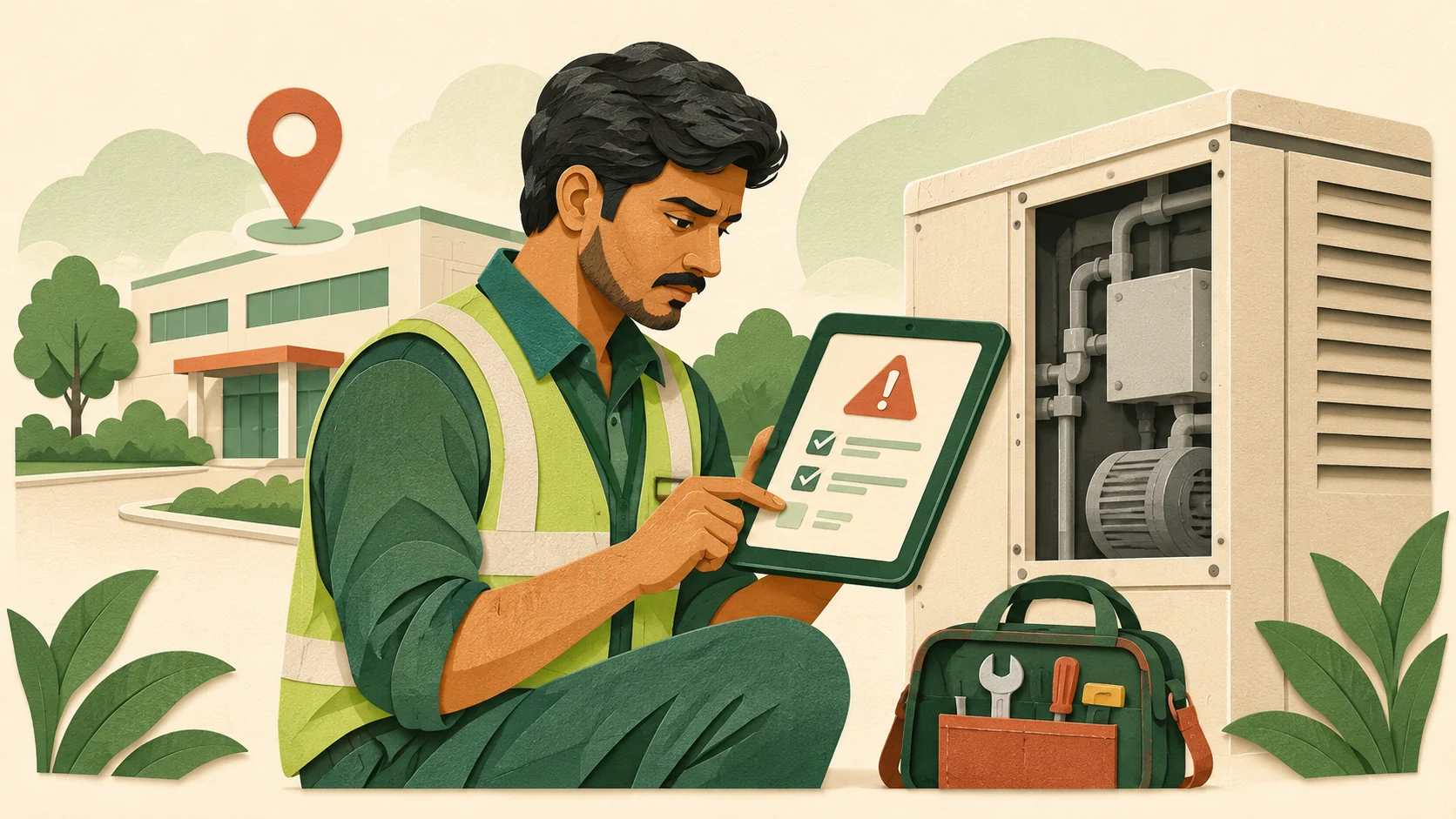
When a Field Job Cannot Be Completed: Who Owns the Next Step?
Arrival confirms presence. A usable job outcome explains the exception and the next responsibility.
Explore
From Loan Application to Collection Follow-up: Where Lending Handovers Break Down
Lending visibility depends on the handovers between application capture, field review and continuing customer follow-up.
ExploreSee Field Track-O in the context of your business.
Bring a sample process, a recent operating report and the people responsible for the work. We will focus the walkthrough on your requirements, available configuration and implementation scope.
Plan your product walkthrough